
Troubleshooting your PhoneSoap.
Find your product below for fixes to the issues we hear about most. Most of them take under five minutes and no tools.
Every guide here is written from the cases our support team actually works, so the first answer on each page is the one that resolves the most units. Across the whole range that is a red indicator light, and it is rarely a dead machine — UV-C bulbs go dormant when they sit unused, and ten minutes of natural light usually brings them back. The product guides walk through that step by step, on video, along with what a burnt-out bulb looks like, which port the power cord belongs in on your model, and when a unit genuinely needs to come back to us.
Burnt-out bulbs are covered for the life of your unit — cracked or broken bulbs are not — and we repair before we replace. If a guide does not sort it out, have your order number and the serial number from the label on your unit ready when you get in touch — that is usually enough for us to resolve it in one reply.
Phone Sanitizers
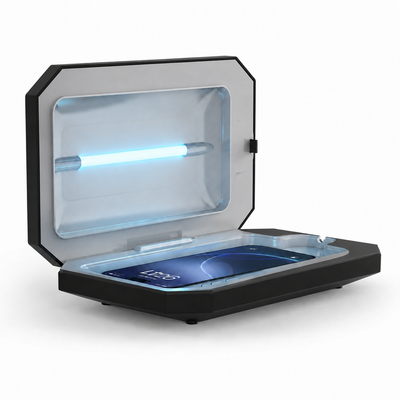
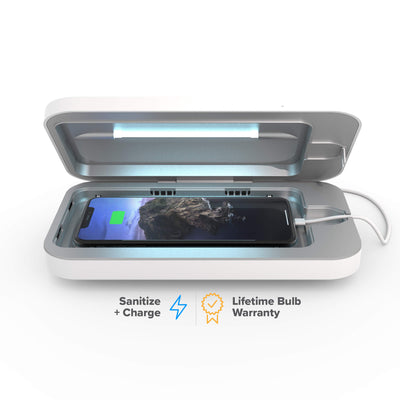
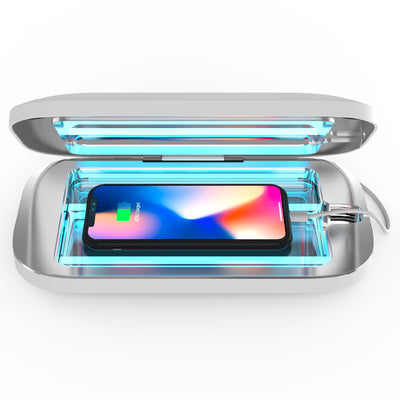
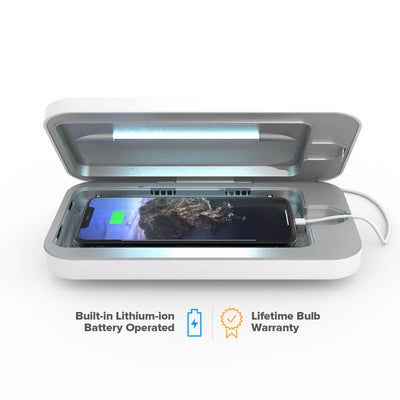
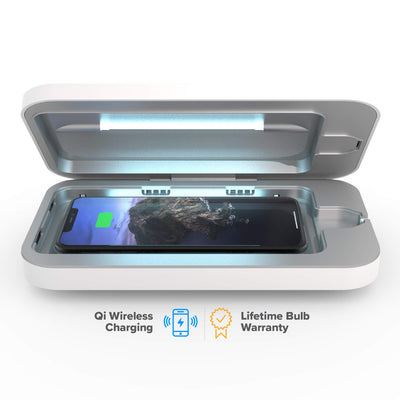
Large Sanitizers
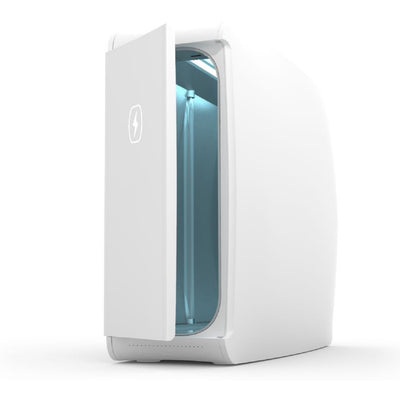
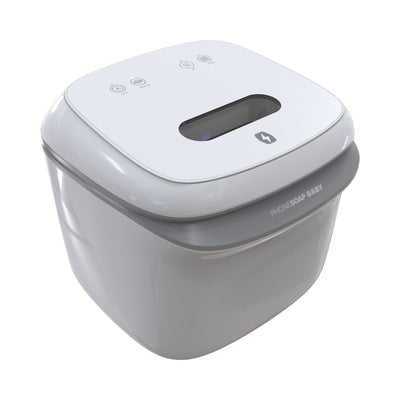
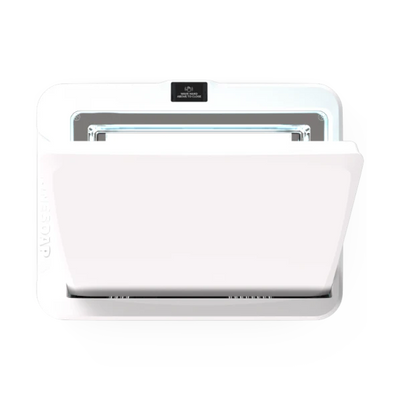
Air Purifiers
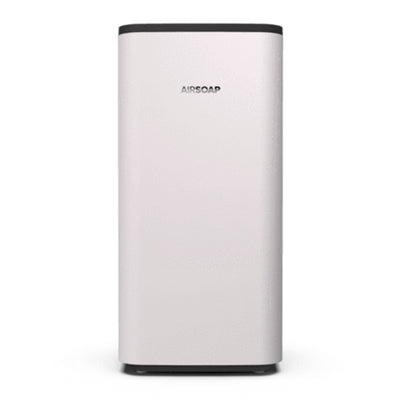
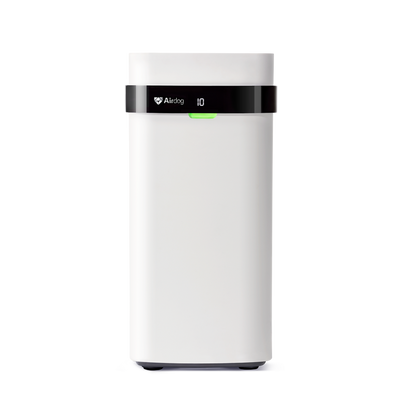
Try these first
- A bolt that will not light — or a red indicator on Pro and HomeSoap — almost always means dormant bulbs, not a dead unit. Leave the lid or door open in natural light for 10 minutes, or shine a flashlight at the bulbs for 2-3 minutes, then run a cycle.
- Nothing turns on? Test the outlet with another device, confirm the cable is in the port marked Power, and reset the GFCI if you are on a bathroom or kitchen outlet.
- Still under warranty? Registered units carry a 1-year warranty, plus a lifetime warranty on burnt-out bulbs — cracked or broken bulbs are not covered. Have your order number and serial number ready when you start a claim.
Still stuck, or not sure where to start?